
GTA 6 Loading Screen
Turn a photo of a person, pet or vehicle into an original loading-screen poster with bold ink outlines and a neon coastal sunset.
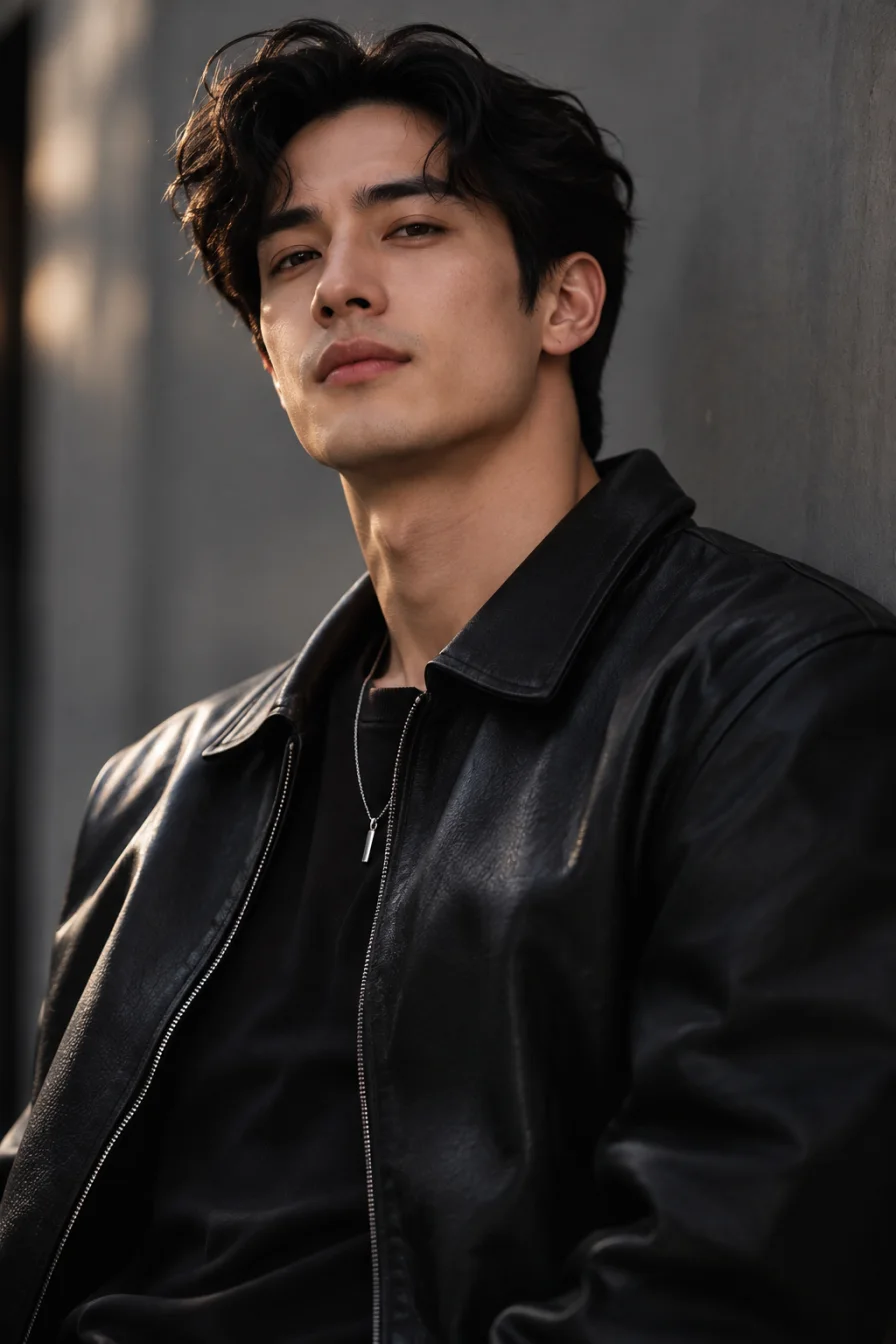
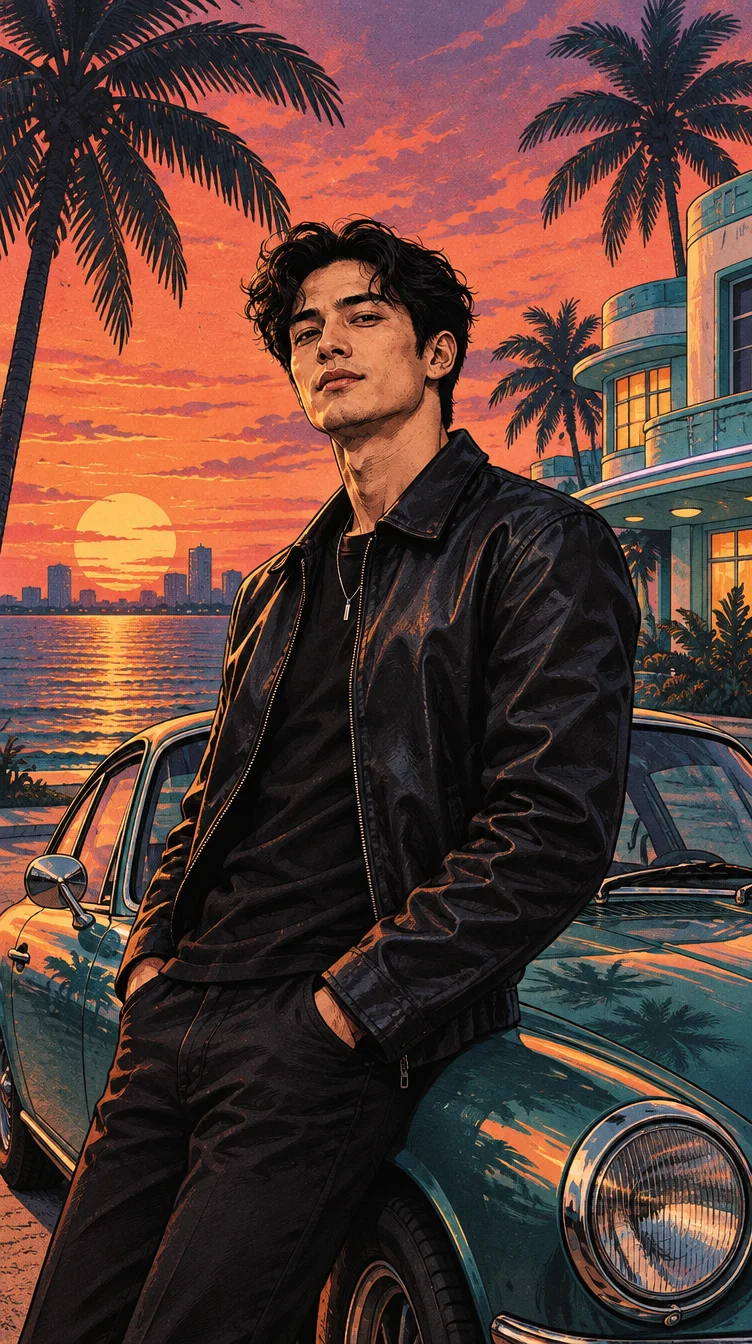
From photo to street poster
Choose a photo
Use a well-lit waist-up shot for people or a clear photo of your pet. For a vehicle, show the whole body and wheels from a front corner.
Generate your poster
The filter uses recognizable features from your photo and illustrates them in an original waterfront scene with bold outlines and sunset colors.
Watch the reveal and save
Replay the slide-up reveal on the page. Download the portrait PNG for your lock screen, avatar, or social post.
GTA loading screen FAQ
What is the GTA 6 loading screen AI filter?
It turns one photo into original loading-screen-inspired fan art. The illustration uses comic-book shading, tropical streets and a neon sunset.
What do I download?
One 1K portrait PNG at 752 × 1344 pixels. The reveal animation plays on this page.
Can I use a couple photo or a pet photo?
Yes. Upload one photo with both people clearly visible, or a clear photo of your pet. Use images you have permission to upload.
Can I make a GTA loading screen with my car?
Yes. Upload one photo of your vehicle. The filter illustrates the car itself and the background in the same style, then saves a vertical PNG.
Does the poster use official GTA artwork?
FaceOnTrend generates original artwork from your photo. This independent template is unaffiliated with Rockstar Games and Take-Two Interactive.
How many credits does it cost?
Each poster costs 20 credits. Credits are returned if the generation fails.