

GTA 6 Loading Screen
Turn a photo of a person, pet or vehicle into an original loading-screen poster with bold ink outlines and a neon coastal sunset.
Create a loading screen
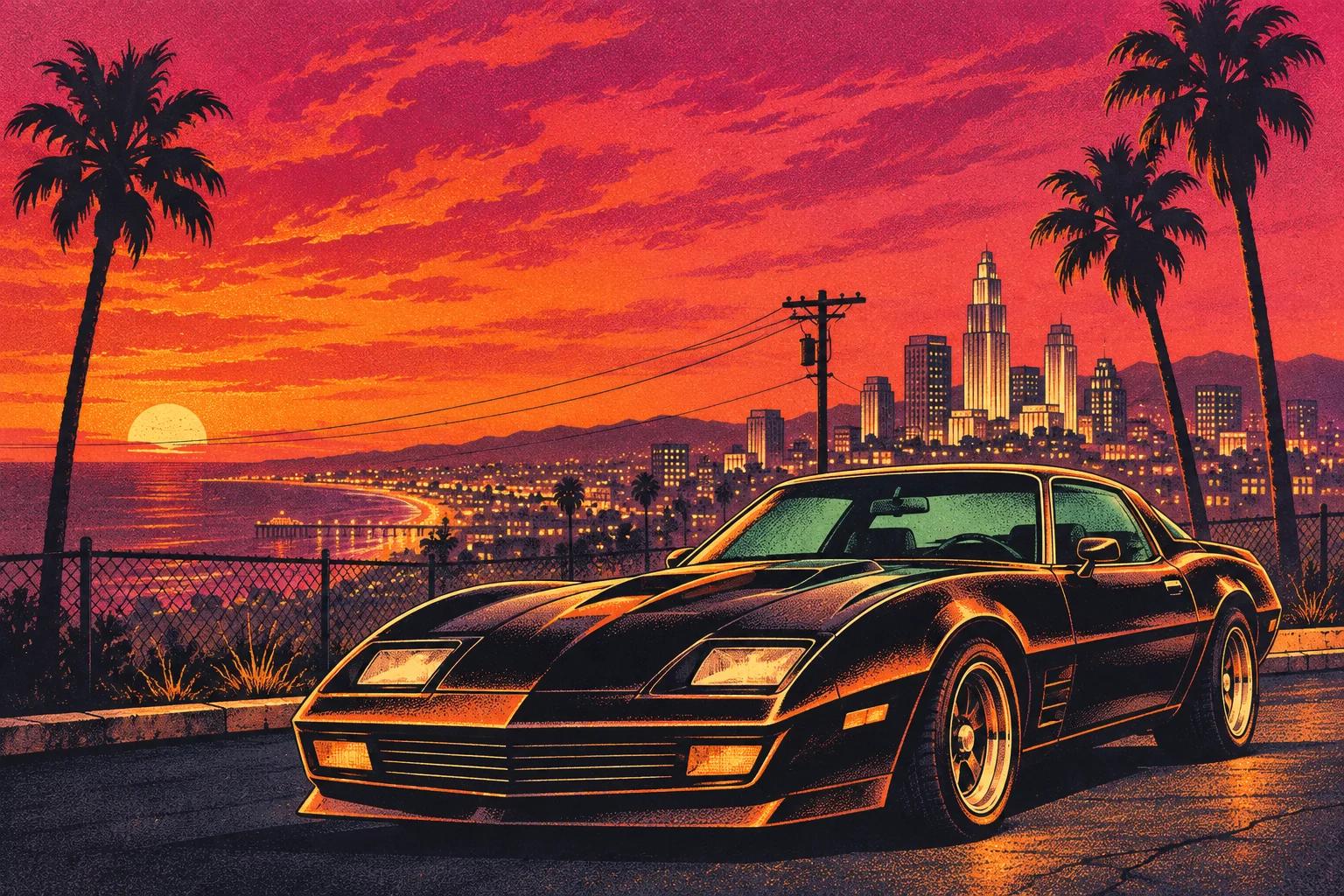
Photo to image or video
Turn one photo into GTA-inspired fan art or a short video. Make a neon loading screen, take the lead in a sunset farewell, or put your own ride in a downtown burnout.
Browse templatesPreview a poster and two video scenes before choosing your template.
Turn a photo of a person, pet or vehicle into an original loading-screen poster with bold ink outlines and a neon coastal sunset.
Create a loading screen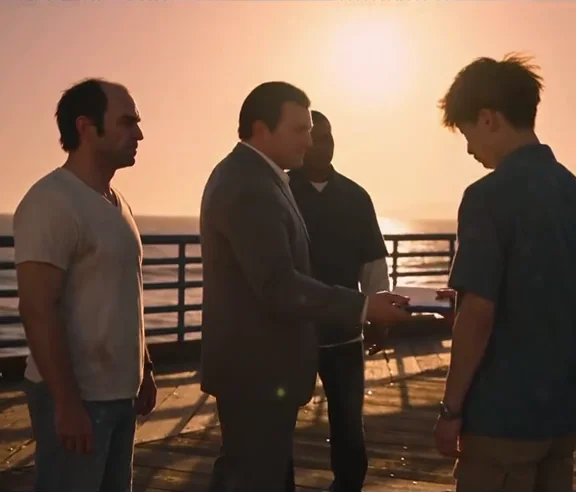
One photo takes the departing role in a golden-hour farewell on the pier.
Open template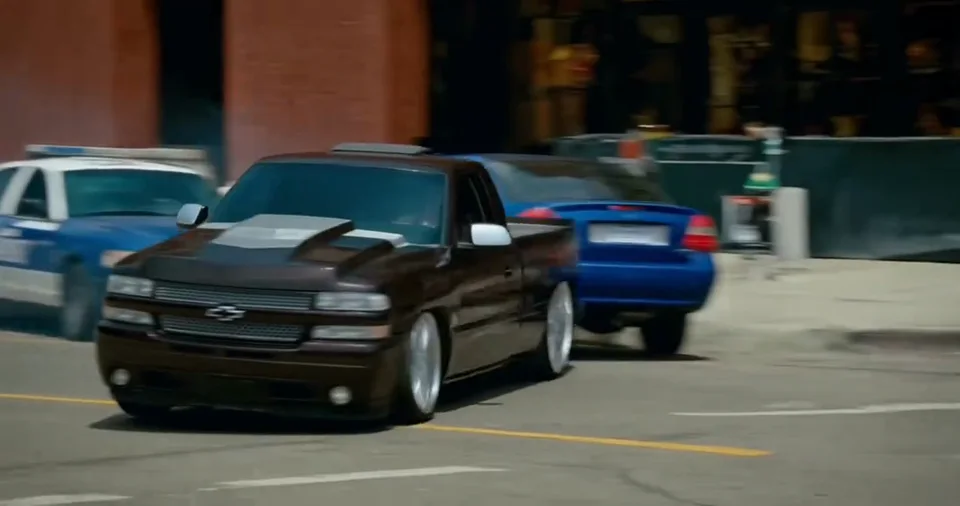
Your vehicle takes the black pickup’s place in a sideways slide through downtown.
Open templateChoose a template and upload one photo you have permission to use. For a GTA 6 Loading Screen poster, pick a clear portrait or pet photo. For GTA 5 Goodbye, use a photo of the person you want to cast as the departing guest. For Dropped Truck GTA 6, choose a well-lit photo that shows the whole vehicle and its wheels.
Review the price and output options before you generate. The loading screen saves as a portrait PNG. GTA 5 Goodbye and Dropped Truck GTA 6 produce horizontal MP4 videos you can preview and download.
How to Make GTA AI Images and Videos From a Photo