
Turn Your Car Into a GTA 6-Style Loading Screen With AI
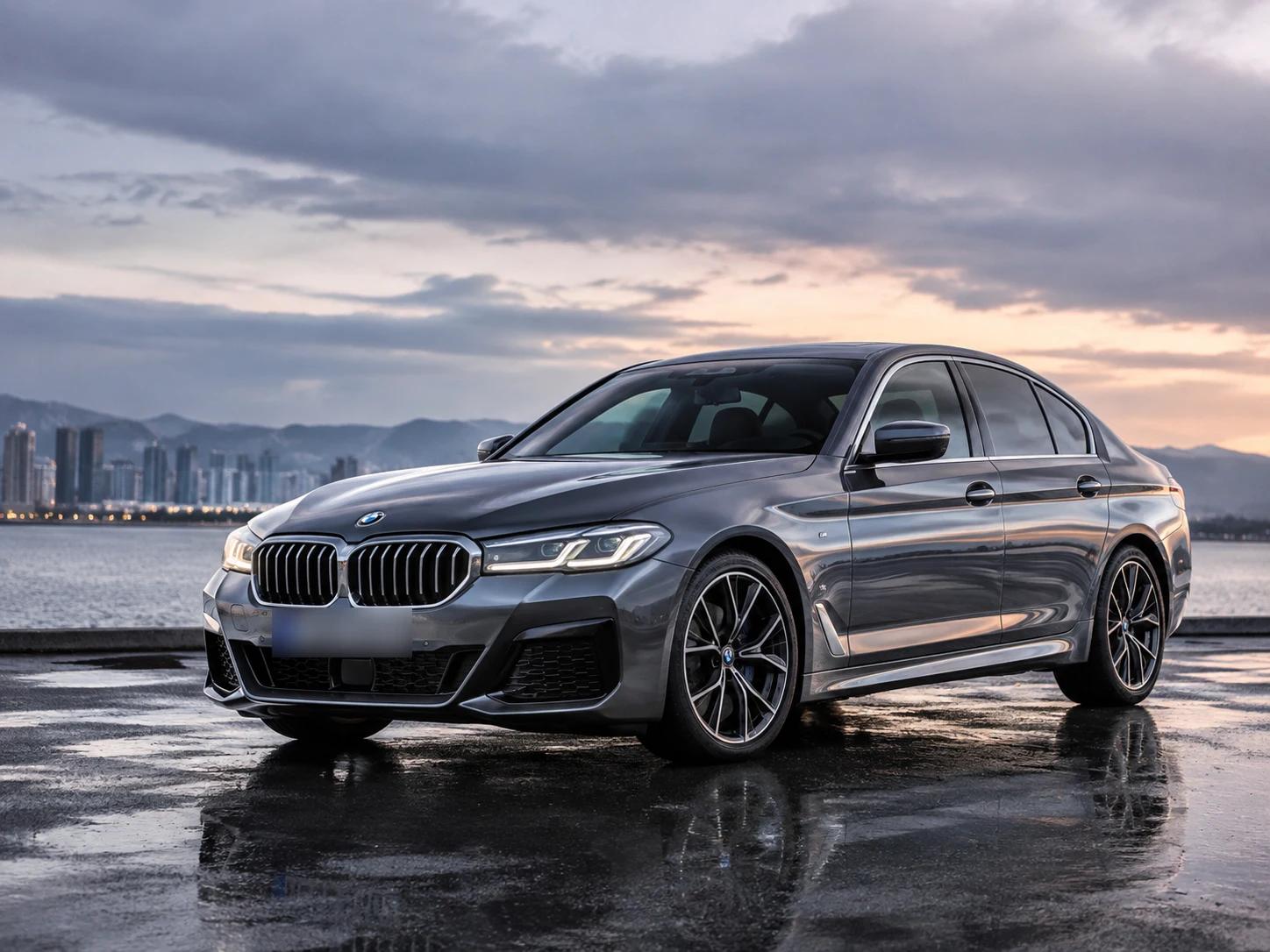
Keep the car recognizable while changing the world around it. This guide shows how a gray BMW 5 Series goes from a rainy waterfront photo to illustrated loading-screen fan art.
Give the AI a clear view of your car
Use one photo you have permission to upload. Stand at a front corner so the grille, headlights, side profile and both visible wheels are in the same frame. Leave space around the bumpers and mirrors. Soft daylight is helpful, but an evening photo works when the body lines and wheel design are still clear. Blur the plate before uploading or sharing the original.
The BMW example already has wet pavement and a clear front-corner angle. Those reflections give the finished illustration a natural place to carry the warm and cool colors from the new sky.
Repaint the car and the setting together
A screenshot-inspired edit leans on realistic lighting, reflections and depth. A loading-screen poster uses bolder contours and flatter blocks of color. If the background looks like a comic panel while the car still looks photographic, ask for the same illustrated treatment across the body, glass and wheels. Keep the silhouette, paint and distinctive front end recognizable. Read Promptowy’s guide to screenshot and loading-screen treatments.
For an image editor that accepts prompts, start with this brief.
Draw this car as a vertical loading-screen poster on a rain-slick waterfront at sunset. Keep the body shape, gray paint, grille and wheels recognizable. Use bold outlines and cel shading on both the car and the scenery. Leave room around the bumpers and remove readable plate text.
BMW 5 Series before and after
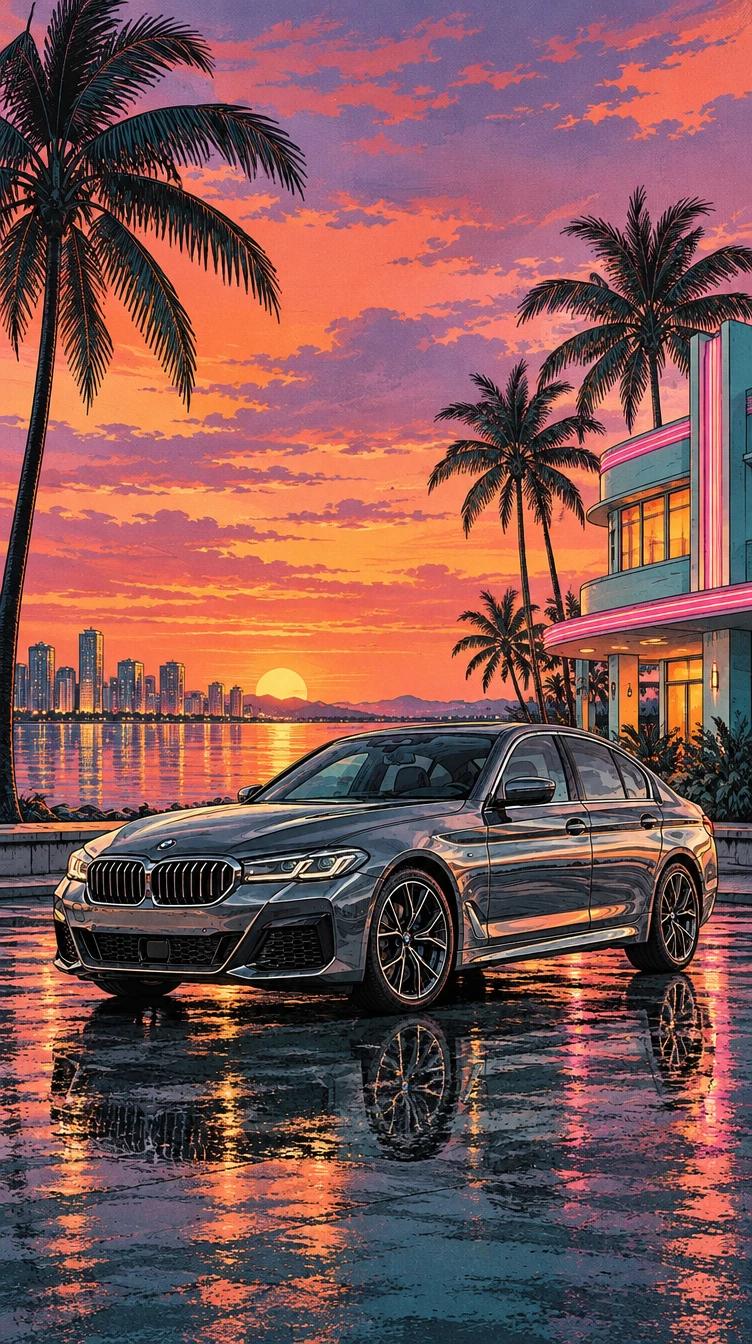
Compare the wheels, window line and headlights before you save. Small trim details can vary. A vertical poster also needs more room above and below the car than the original wide photo. The whole vehicle should still fit inside the frame.
Make a poster or put your car in motion
In GTA 6 Loading Screen, choose Vehicle to watch the example reveal. Upload your own photo for a vertical PNG. For a moving edit, Dropped Truck GTA 6 AI puts the uploaded vehicle in a 10-second downtown video. See the GTA AI image and video guide for the full set of templates.